ARCH 371 — Intermediate Design I
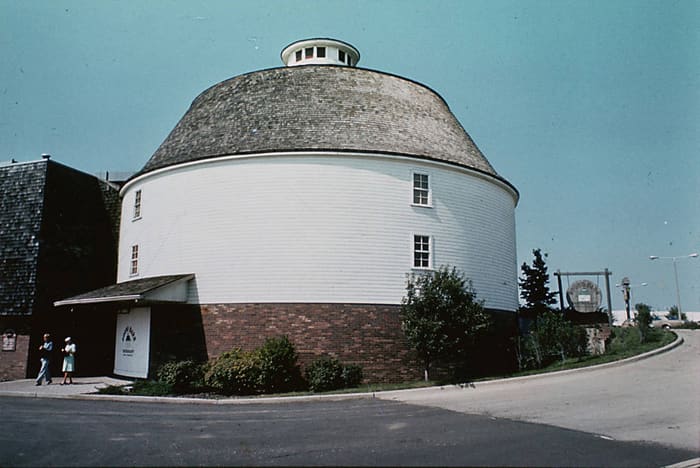
A new civic identity for the Champaign County History Museum, grown out of the shuttered round barn at 1900 Round Barn Rd — one representation mode per phase.
The Archivist is this studio’s shared wall and its class record — one row per student, one column per class day, with your name and the date stamped on every upload. Sign in with your Illinois email.
The studio
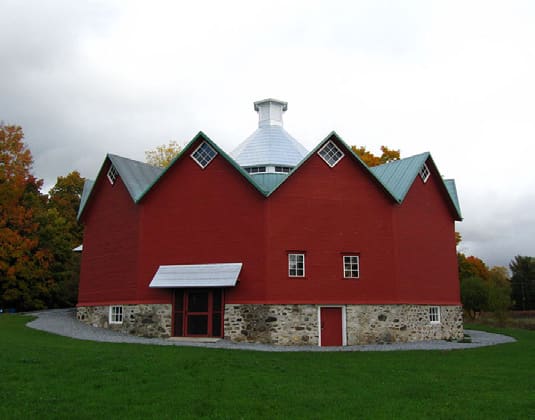
- One semester-long project: the Champaign County Museum of History & Innovation, grown out of the shuttered round barn at 1900 Round Barn Rd, Champaign.
- A coordinated studio — eight sections, one site, one brief; each section with its own emphases. Mon + Wed, 1:00–5:50 PM.
- Each phase spotlights one mode of representation and opens with a representation-specific precedent study.
How to work here
- These tools are instruments, not oracles — real data and fast iteration in your hands; the judgment stays yours. When a tool and your gut disagree, chase the disagreement.
- Most run entirely in your browser; the ones that spend an AI call ask you to sign in.
- Rhino 7/8 + Adobe CS are the required software; these tools feed them — Rhino-ready exports, true-size SVG for Illustrator, named views back into your model.
Where work goes
- Weekly posts to the studio Miro board are required; come to every session with new work, printed.
- This studio’s wall is the Archivist (fifteen rows, a board per phase, and a one-press route to the PIAF printer); the toolkit’s wider record is the Archivist, and shared precedent images live on the Class References wall.
- Codes on the table: 2018 IBC, 2018 IECC, ADA. The code-aware tools here are teaching instruments, never a compliance check.
The guiding questions
Seven lenses the brief asks you to design through — the full paragraphs are in the syllabus.
- Adaptive reuse — what of the barn is worth preserving, what should be transformed, and how do both generate new architecture?
- Building + exhibition synergy — can the building itself be the exhibit, encountered through the body, not just reading?
- Organizational logic — connected, separated, or linked through landscape? What does the circular geometry organize?
- Intergenerational experience — quiet observation to active play: multiple speeds, abilities and ways of learning at once.
- Public realm — the museum as public infrastructure: what lives around it, beyond operating hours?
- Civic identity — what does a county history museum need to be in the twenty-first century, without one flat narrative?
- The round barn as type — beyond this site, what future do the abandoned round barns of the Midwest have?
First, know the barn
Three instruments in this toolkit are literally about this building type — use them before you cut into it.
- RotundaRound barn design — Armature, turned on a lathe
How a round barn stands: one radial rib solved with real forces, plus the ring physics — eave plate in tension, curb in compression — that let the mow span with no post in it. Built from Fraser’s 1910 Illinois bulletin.
- PartsThe exploded axon, and the question it exists to answer
The barn taken apart: every piece found, measured and matched, then one slider from assembled to exploded axon to a flat parts plate — the demo model is a 1910 Illinois round dairy barn, about 2,400 pieces.
- GhostAdaptive-reuse triage — keep, strip, demolish, priced in carbon
The brief’s central question, priced: call each element keep / strip / demolish and read the carbon over a century — reuse + retrofit against demolish + rebuild, with the crossover year named.
Precedent images
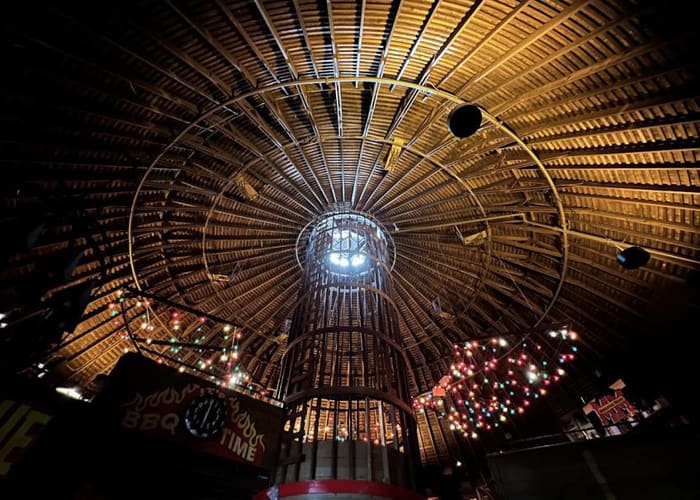
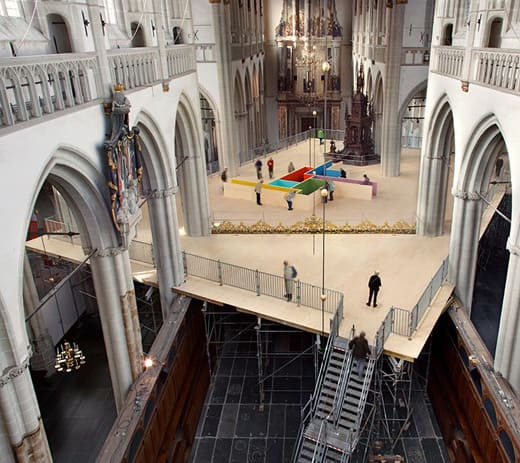
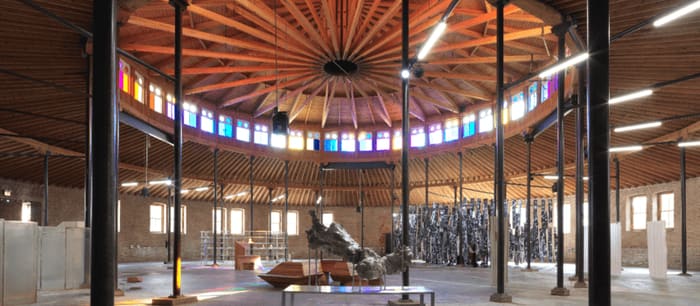
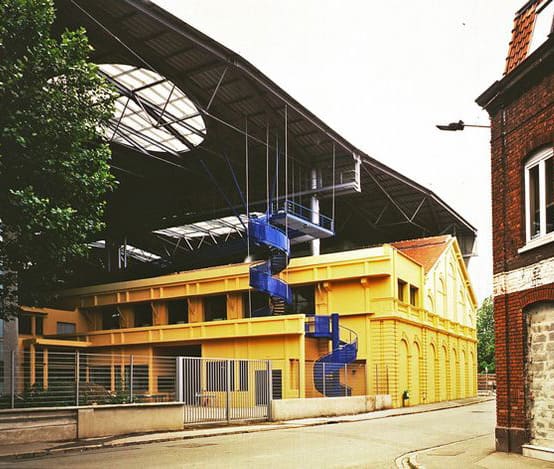
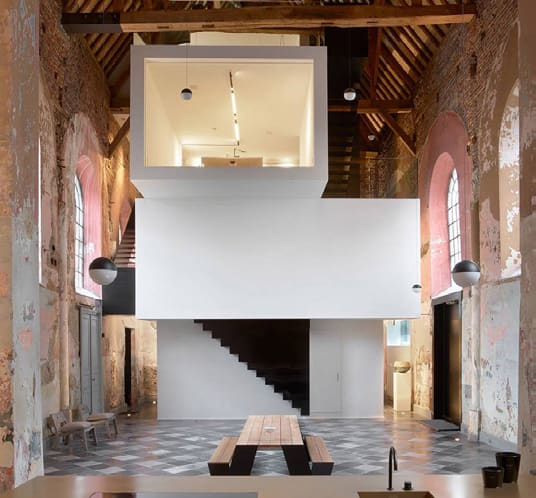
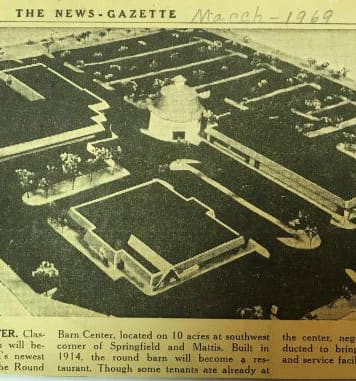
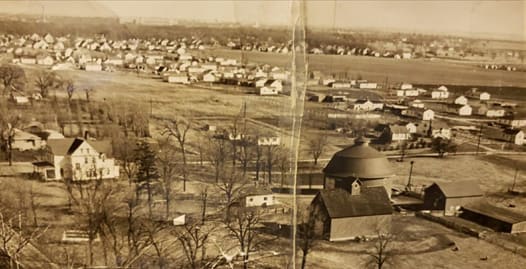
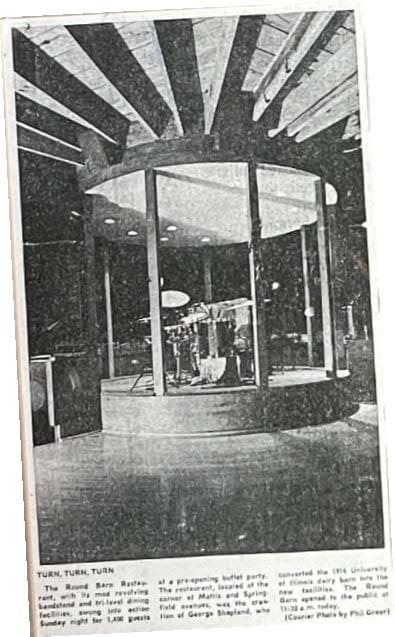
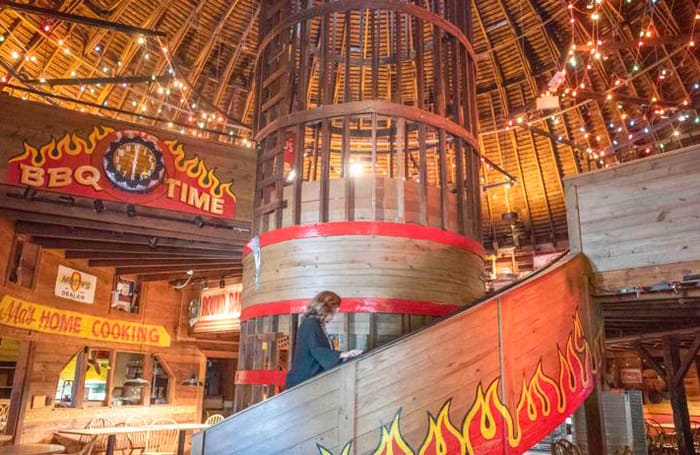
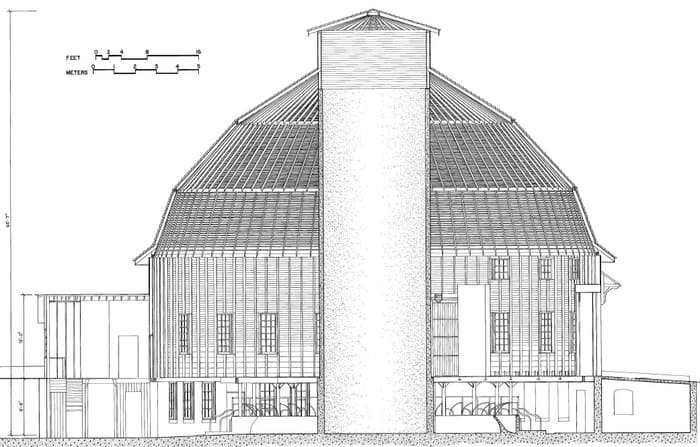
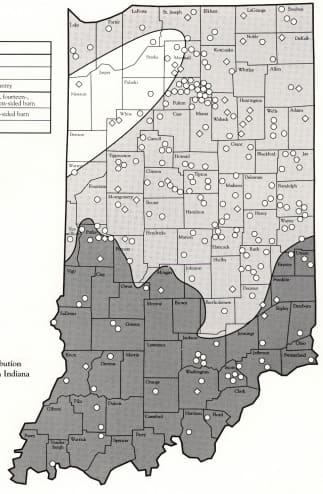
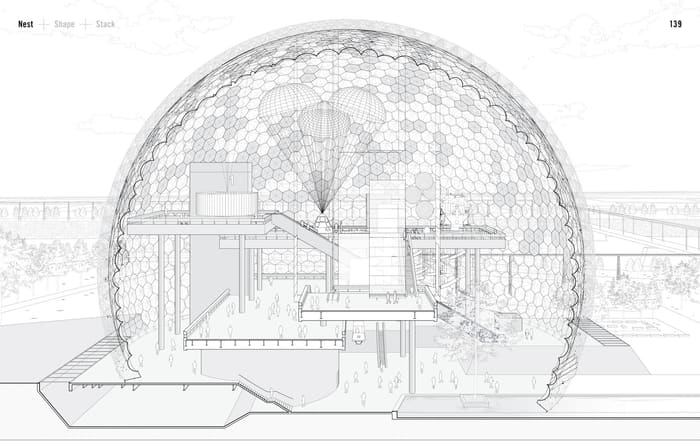
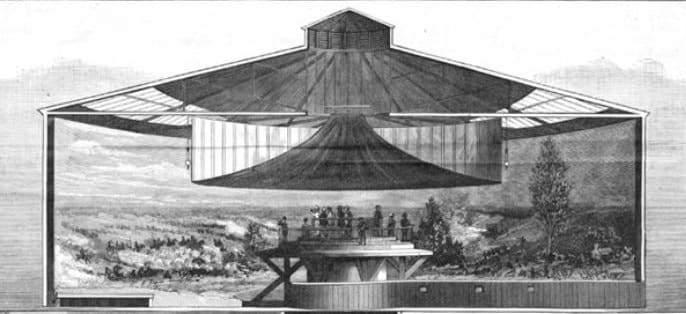
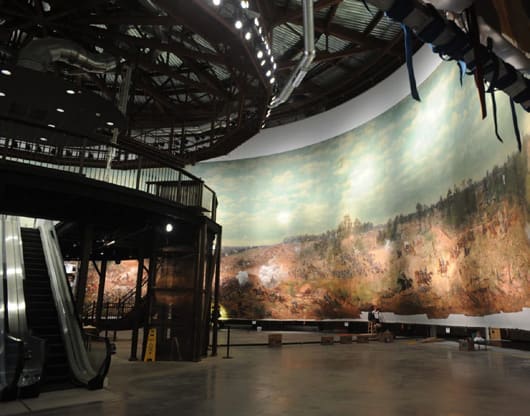
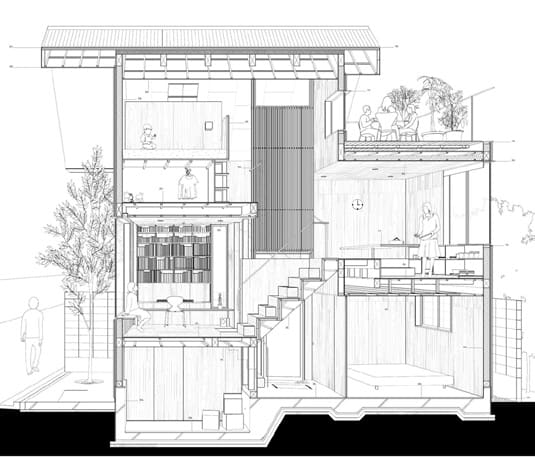
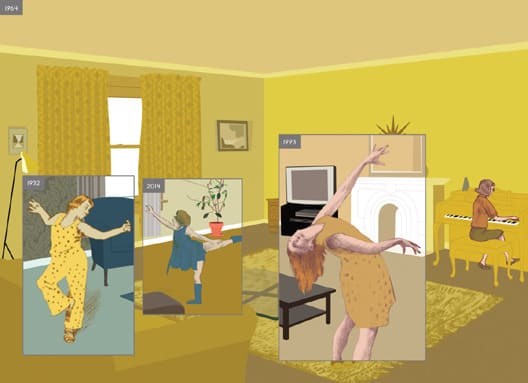
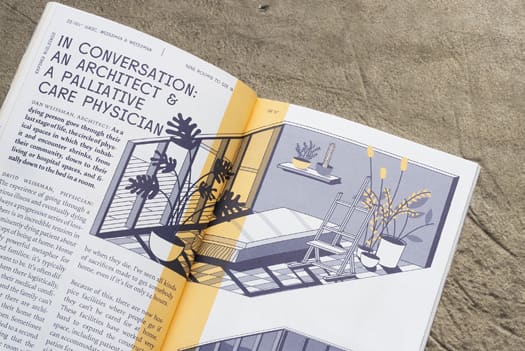
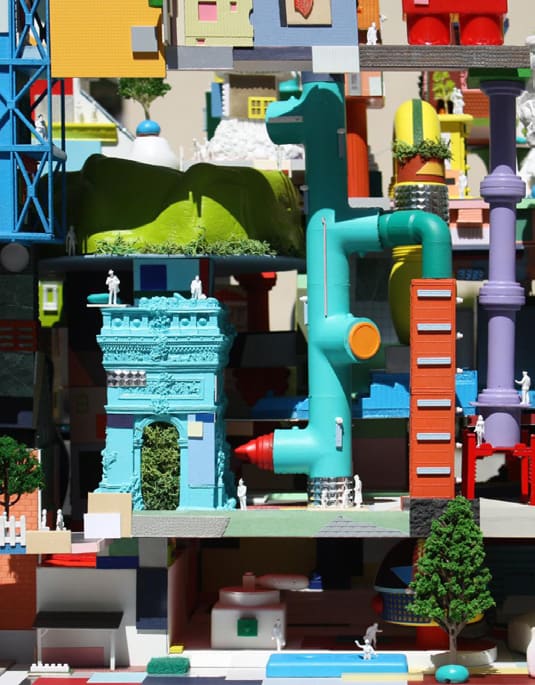
Every reference image printed in the coordinated syllabus and the Ph 0 warm-up brief, in one wall.
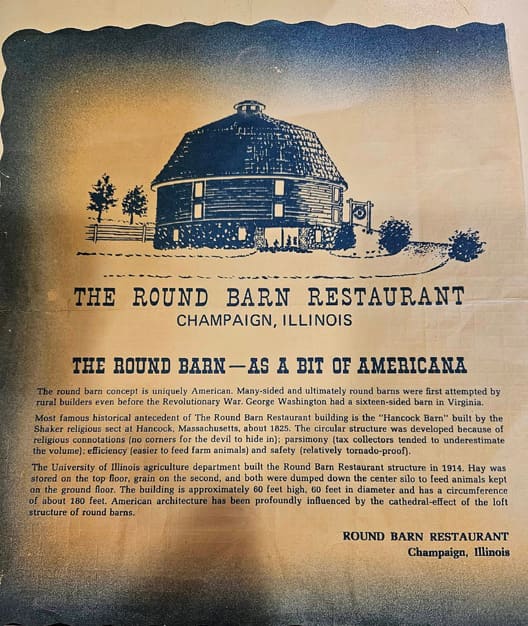
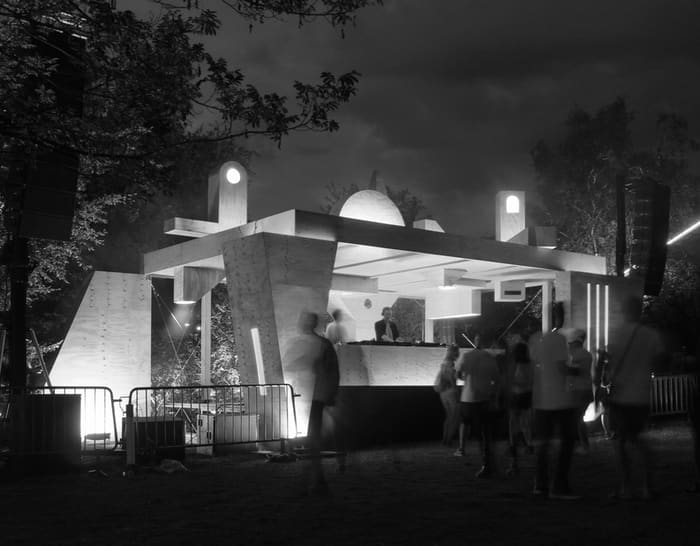
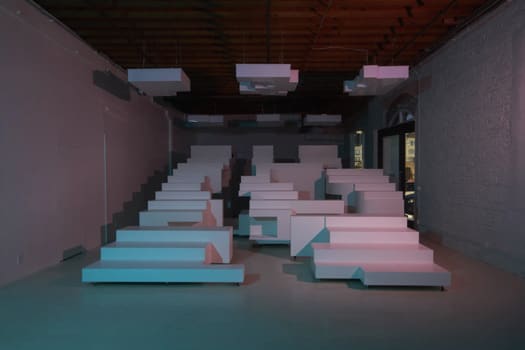
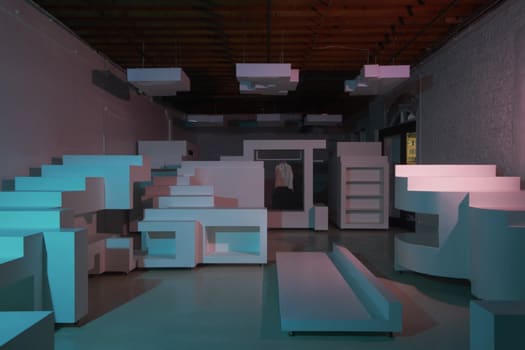
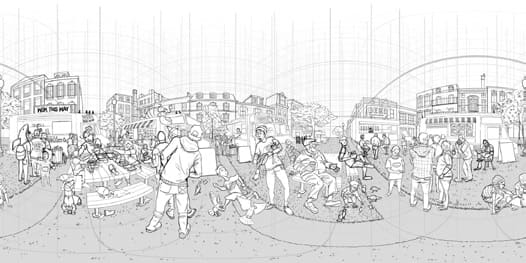
The semester, phase by phase
Each phase spotlights one representation mode: its main tool, a couple of supporting ones, and room for examples of the deliverable. Your section's brief sets the exact formats — it always wins.
Warm Up
A 1.5-week design charrette to kickstart the semester’s inquiry into adaptive reuse, civic identity and belonging. Brief distributed at kickoff; pin-up Mon Aug 31.
Every phase of this studio opens with a precedent study, and this is the precedent tool: drop in any image and it comes back identified and contextualized — architect, project, the moves worth borrowing — and everything you look up accumulates into a searchable studio library instead of dying in a chat window.
- Class Referencessign-in
The studio’s shared image wall, and the other half of every precedent study: everyone adds, and it is ordered by who posted — the teaching team first, then the TAs, then the studio. Post what you turn up here so the next person searching the same question finds it. Open in every phase, not just this one.
Neighborhood Portraits
Study and draw the site’s broader identity — history, transportation, environment, zoning, demographics, cultural landscape. Site visit to the Round Barn Wed Sept 2; guest lecture from TJ Blakeman (Champaign County History Museum) Wed Sept 9; pin-up Mon Sept 14. The Champaign County Historical Archives (Urbana Free Library) holds the research collection, architectural drawings and a 3D Rhino model of the barn.
- Surveyormain tool
Type in 1900 Round Barn Rd and it pulls the measured ground from the public record — climate normals, terrain, hydrology, the parcel — macro to micro. Hard data arrives cited, the AI’s claims arrive tagged for you to verify, and the terrain exports Rhino-ready, so your portrait stands on real numbers instead of assertions.
- PalimpsestLandscape history · shifting-baseline reveal on Annual NLCD
The site in time: scrub the federal land-cover record from 1985 to today and watch the pixels around the barn flip class — what was field, what got built, when.
- Figure-Ground / NolliUrban figure-ground tracing
Trace the neighborhood into a clean figure-ground or a Nolli poché that cuts the public interiors open. Exports clean SVG — the classic first drawing of an urban fabric.
Sketch Models
Research precedent model techniques, then a series of physical sketch models proposing a “big move” informed by the portraits. Field trip to St. Louis Fri Sept 18 (required); pin-up Wed Sept 23. The models are physical — the tools below sharpen the move, they don’t replace the knife.
The “big move” as a numbered transformation strip: build the massing as an ordered list of operations — extrude, carve, shift, split — and every operation becomes a frame in one shared projection. Reorder the moves and the strip redraws; if any order works, you have a list, not a move.
- FabricatorOne model · waffle, contour or print prep
When a study earns a cleaner physical pass: waffle ribs or stacked contours out to millimetre-true laser cut sheets, or print-prep checks before the 3D printer.
Perspectives
Research a precedent perspective, then draw proposal perspectives — exterior and interior — that speculate on life, inhabitation, activity and atmosphere. Midterm review Wed Oct 7, Ph 1 + 2 + 3 together.
Where should you stand? Import your work-in-progress model, drop cameras in plan and see each one’s real cone of vision — eye height is the first control, because it is the number nobody thinks about. Send the shot list back to Rhino as actual named views, so the drawing session starts where the thinking ended.
- Polyptych36″ × 36″ perspective sheet · constructed projection
Lay out the 36″ × 36″ sheet from several rigorous perspectives — each its own station point, picture plane and scale — folded, walked round the building, stitched or collaged, with the horizon, vanishing and measuring points, cone of vision and a true-height ruler drawn from the same cameras. One true-size layered SVG out.
- ScribePerspective hidden-line · layered SVG
The model as a drawing, not a screenshot: true hidden-line visibility written as a layered, true-size SVG for Illustrator, lineweights graded by depth. Section-perspective mode puts the camera on the cut plane.
- PhotomatchVanishing points · camera solve · rectify
Solve the camera of your own site photograph — focal length, orientation, eye height — so your proposal can be drawn through the photo’s exact camera instead of eyeballed into it.
Orthographics
Research a precedent plan and section. Plans (emphasis on the ground plan) that speculate on organization, site connectivity, edges, thresholds and entry; sections (longitudinal and transverse) that speculate on structure, materiality, fenestration, envelope and program. Pin-up Mon Oct 26.
Learn to read a cut before you draw one: a massing floats in an orthographic viewport with a cut plane you slide, the exact section drawing itself on the plane — then freehand your own poché and have it scored against the truth, with the misses named.
- Diagram StudioProgram · adjacency · stacking
The museum’s program with real numbers attached: every space carries an actual area, so the bubble diagram is area-true and a live table totals departments and floors. The ground plan starts from honest quantities instead of hopeful circles.
- Stair & Ramp BuilderCode-aware stairs & ramps
Enter a floor-to-floor height and it sizes risers and treads, builds the flight in 3D, checks it against the rules the syllabus names (IBC egress, ADA), and exports a dimensioned plan & section — so your sections stop lying about stairs.
Animation
Revisit one representation mode and animate it to elaborate design ideas and amplify storytelling — techniques vary by section. Lecture “On Animations” (Prof. Clark) Mon Oct 26; student film screening Mon Nov 9.
Stop motion the Terry Gilliam way: scissor pieces out of your own drawings, hinge them like a brass fastener, then pose–capture–nudge–capture with onion-skin ghosts. Export a looping GIF or a numbered frame sheet. No tweening — the jump between held poses is why it reads as drawing, not software.
- Sun & Shadow StudySolar geometry + cast shadows
If light is the story: run the one-click sunrise-to-sunset animation — a day of real shadows sweeping the building — or export stills of the hours that matter.
Synthesis & Presentation
Re-create the semester’s representations as one cohesive story, and prepare for public presentation. Project-naming workshop Mon Nov 16; mock presentations Mon Nov 30; final review Wed Dec 2 with external critics; compendium/archive due Wed Dec 9.
Board and page layout in the browser: pick a real sheet size, lay out text, images and shapes across multiple artboards with margins and snapping, and export a true-size multi-page PDF — the InDesign stand-in when the deadline is closer than the license.
A studio about tone of voice in representation has to answer the question of who can hear it. RAP is the accessibility bench: run a phase drawing through Tactile Drawings and it comes back as swell-paper linework for the PIAF printer, and Alt Text writes the description that rides with every board, Miro post and compendium spread. Open in every phase — the tactile version of a Ph 4 section is worth more in Ph 4 than reconstructed in December.
- Criticsign-in
Review prep for Nov 30 and Dec 2: build a critic persona, pull the project down to a defensible thesis, and rehearse the questions the external jury will ask. One synthetic position among many — never a substitute for your human critics.
- Archivist — ARCH 371sign-in
This studio’s wall. Fifteen rows, a board per phase, every column a class day with the syllabus’s own milestones on its head. Click a cell in your own row, upload, caption; every cell carries its own TA and classmate comments. Sign in to open it — a class roster is an education record, so the wall is for this studio only. It also feeds the PIAF swell-paper printer: pick the sheets you want and one black-and-white PDF comes back, or take a whole pin-up day from that column’s button.
- Archivistsign-in
The Archivist — a pin-up wall with memory. Upload and tag work as the semester runs and the record accumulates behind your weekly Miro posts; come compendium week, the archive is already sorted instead of scattered across a desktop.
The semester calendar
Every session, Mon + Wed 1:00–5:50 PM. All-studio lectures meet 1:00–1:50 in Architecture 120; reviews and screenings are washed amber. Subject to change — the re-issued schedule and your section's brief win.
| Wk | Monday | Wednesday |
|---|---|---|
| Ph 0 · Warm Up · 5% | ||
| 1 | Aug 24 — Studio welcome · instructor PechaKucha · intro Ph 0. | Aug 26 — Ricker Library scavenger hunt · desk crits. |
| Ph 1 · Neighborhood Portraits · 10% | ||
| 2 | Aug 31 — Pin-up: Ph 0 · intro Ph 1 · lecture: On Site Portraits (Prof. Altshuler). | Sept 2 — Desk crits · site visit: the Round Barn. |
| 3 | Sept 7 — No class (Labor Day). | Sept 9 — Guest lecture: TJ Blakeman, Champaign Co History Museum · desk crits · literature salon #1. |
| Ph 2 · Sketch Models · 15% | ||
| 4 | Sept 14 — Pin-up: Ph 1 · intro Ph 2 · lecture: On Sketch Models. | Sept 16 — Desk crits: models. Fri Sept 18 — field trip: St. Louis (required). |
| 5 | Sept 21 — Desk crits: models · lecture: On Adaptive Reuse. | Sept 23 — Pin-up: Ph 2 · lecture: On Perspectives. |
| Ph 3 · Perspectives · 15% | ||
| 6 | Sept 28 — Intro Ph 3 · ISoA lecture 5:30 PM. | Sept 30 — Desk crits: perspectives. |
| 7 | Oct 5 — Desk crits: perspectives. | Oct 7 — MIDTERM REVIEW: Ph 1 + 2 + 3. |
| Ph 4 · Orthographics · 15% | ||
| 8 | Oct 12 — Intro Ph 4 · lecture: On Orthographics · ISoA lecture (Schachman). | Oct 14 — Desk crits · literature salon #2. |
| 9 | Oct 19 — Desk crits: orthographics. | Oct 21 — Desk crits: orthographics. |
| Ph 5 · Animation · 10% | ||
| 10 | Oct 26 — Pin-up: Ph 4 · intro Ph 5 · lecture: On Animations (Prof. Clark). | Oct 28 — Desk crits: animation · literature salon #3. |
| 11 | Nov 2 — Desk crits: animation. | Nov 4 — Desk crits: animation. |
| Final · Synthesis & Presentation · 20% + 10% participation | ||
| 12 | Nov 9 — STUDENT FILM SCREENING: Ph 5. | Nov 11 — Desk crits: project synthesis. |
| 13 | Nov 16 — Desk crits · workshop: project naming. | Nov 18 — Desk crits: project synthesis. |
| 14 | Nov 23 + 25 — No class: Thanksgiving Break. | — |
| 15 | Nov 30 — MOCK PRESENTATIONS. | Dec 2 — FINAL REVIEW with external critics. |
| 16 | Dec 7 — Studio debrief discussion. | Dec 9 — Final compendium / archive due. |
Goals & evaluation
From the syllabus — what a successful semester adds up to.
Course goals: cultivate a respectful, collaborative workflow in a design team; propose compelling ideas that use a strong conceptual driver to bring together form and program; and cultivate a specific, emphatic tone of voice in architectural representation — an engaging story that initiates pleasure among multiple audiences.
Evaluation rides on two criteria: Nimble Process (test ideas fast, absorb feedback from crits, juries and community partners, show incremental progress) and Compelling Outcomes (artifacts that communicate character, craft and delight). Self-assessment reflections come at midterm and final.
When you're stuck
The Coach (sign in) tutors Rhino, Grasshopper and the Adobe suite — it gives you the real answer at your level and explains the move, so you can do it again next week without asking. The Skills Map shows where a missing skill sits before you go learn it. And the Class References wall is where the studio’s shared precedent images live — add what you find, take what you need.
New to the toolkit? Start with How to use — the shared conventions and every tool’s steps in one document — or the Overview of the whole toolkit. The glossary defines the words these steps use.
Curious what is actually happening when you click? Inside the toolkit explains how these tools run in your browser, why the files you drop in are never uploaded, where the site is hosted and how it was built — and how you can already fork, edit and version these tools yourself.
Teaching ARCH 371? The faculty room is the teaching team’s private page — shared references, images, notes and the team’s Google Docs. It opens only for the ARCH 371 teaching team — ask a colleague there for an invite link.